Documentation Index
Fetch the complete documentation index at: https://docs.ollama.com/llms.txt Use this file to discover all available pages before exploring further.
Claude Code
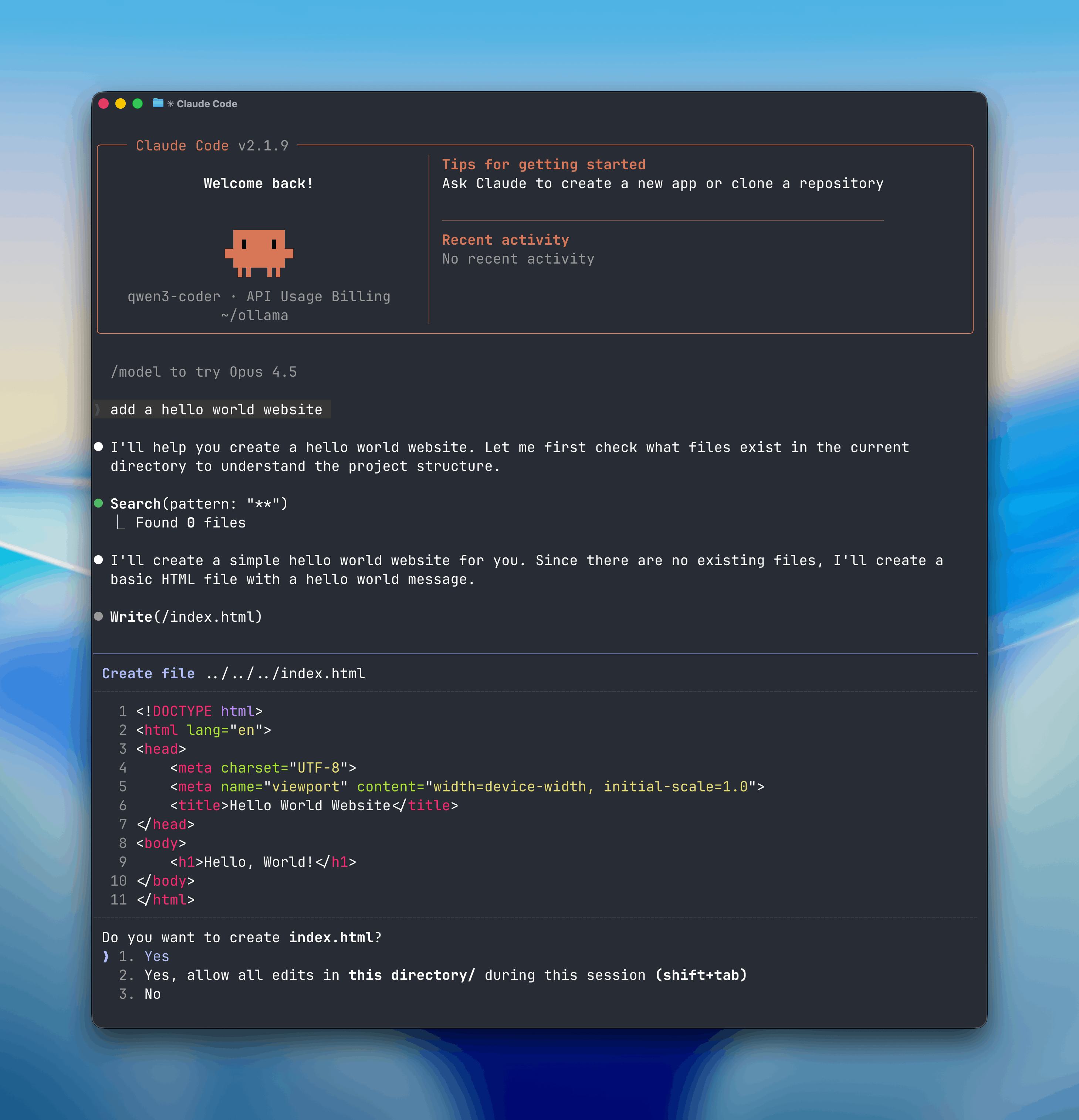
Claude Code is Anthropic’s agentic coding tool that can read, modify, and execute code in your working directory. What makes this interesting is that you’re not locked into Anthropic’s API — Ollama exposes an Anthropic-compatible endpoint, so you can point Claude Code at local open models and run the whole thing offline. Useful for privacy, cost control, or just because running AI tooling on your own hardware is satisfying.
Open models can be used with Claude Code through Ollama’s Anthropic-compatible API, enabling you to use models such as glm-4.7, qwen3-coder, gpt-oss.
Install
Install Claude Code:
irm https://claude.ai/install.ps1 | iexUsage with Ollama
Quick setup
ollama launch claudeTo configure without launching:
ollama launch claude --configManual setup
Claude Code connects to Ollama using the Anthropic-compatible API.
- Set the environment variables:
export ANTHROPIC_AUTH_TOKEN=ollama
export ANTHROPIC_API_KEY=""
export ANTHROPIC_BASE_URL=http://localhost:11434- Run Claude Code with an Ollama model:
claude --model gpt-oss:20bOr run with environment variables inline:
ANTHROPIC_AUTH_TOKEN=ollama ANTHROPIC_BASE_URL=http://localhost:11434 ANTHROPIC_API_KEY="" claude --model qwen3-coder Note: Claude Code requires a large context window. We recommend at least 64k tokens. See the context length documentation for how to adjust context length in Ollama.
Recommended Models
qwen3-coderglm-4.7gpt-oss:20bgpt-oss:120b
Cloud models are also available at ollama.com/search?c=cloud.
The 64k context window requirement is a real constraint — smaller models will struggle. Start with qwen3-coder or gpt-oss:20b and go bigger if you need it.